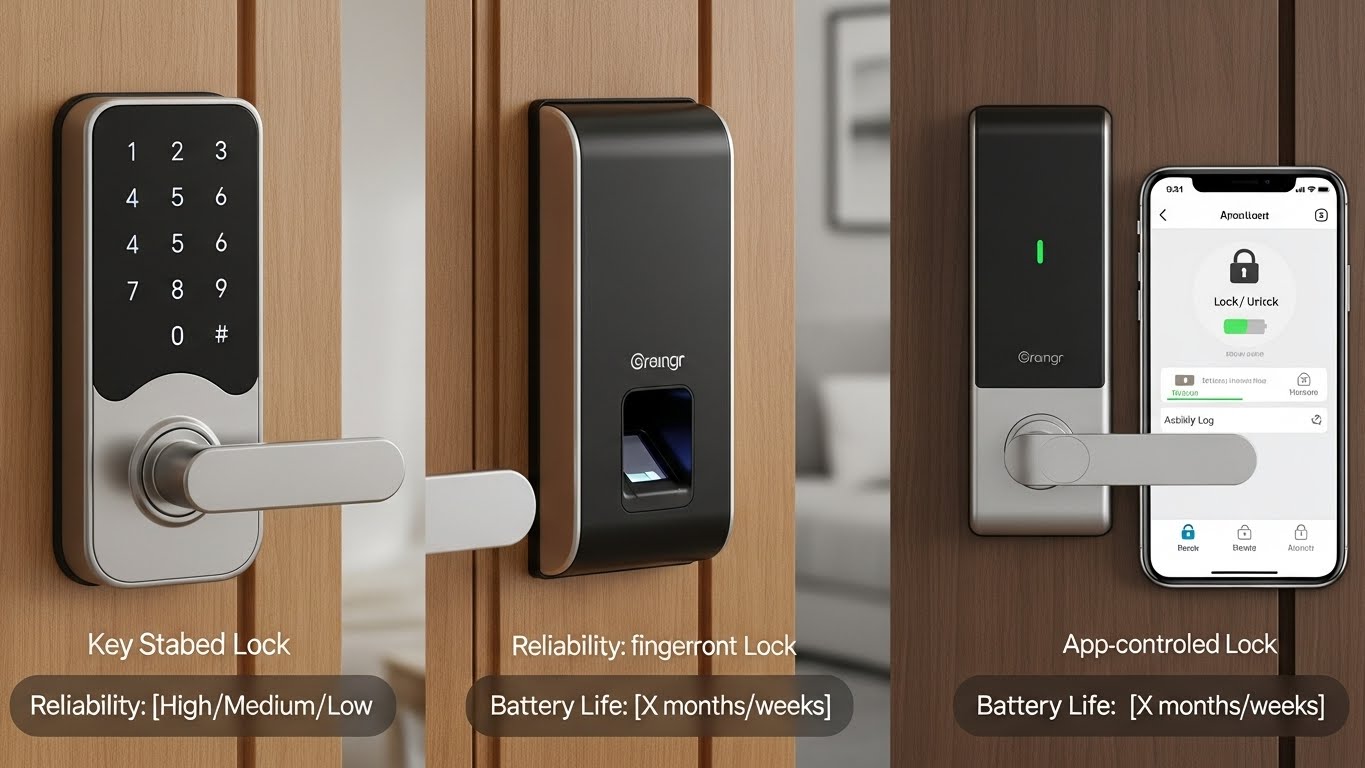
A smart lock should make your life simpler—not add “tech headaches.” The best ones are reliable first, smart second. When comparing keypad vs fingerprint vs app control, here’s what matters most:
- Keypad = usually the most dependable day-to-day (works even when your phone is dead)
- Fingerprint = fastest access, but can be picky with wet/dirty fingers and cheap sensors
- App/Wi-Fi = best for remote control, but depends on Wi-Fi strength and can drain batteries faster
Below are the best options from this list, with a clear “best overall” pick.
Quick Picks (My Recommendations)
- Best Overall Reliability: X1 Apple Home Key Lock, iOS ONLY Smart Keyless Entry HomeKit Door Lock…
- Best for Fingerprint + Wi-Fi Features: ULTRALOQ U-Bolt Pro WiFi Smart Lock with Door Sensor…
- Best Value Fingerprint + Keypad: Fingerprint Smart Door Lock with Handle & Keypad…
- Best “Simple Smart” Remote Access: Built-in WiFi Fingerprint Smart Door Lock with Handle & Keypad…
1) ULTRALOQ U-Bolt Pro WiFi Smart Lock with Door Sensor, 8-in-1 Keyless Entry Door Lock with Fingerprint ID, App Remote Control, Built-in WiFi…
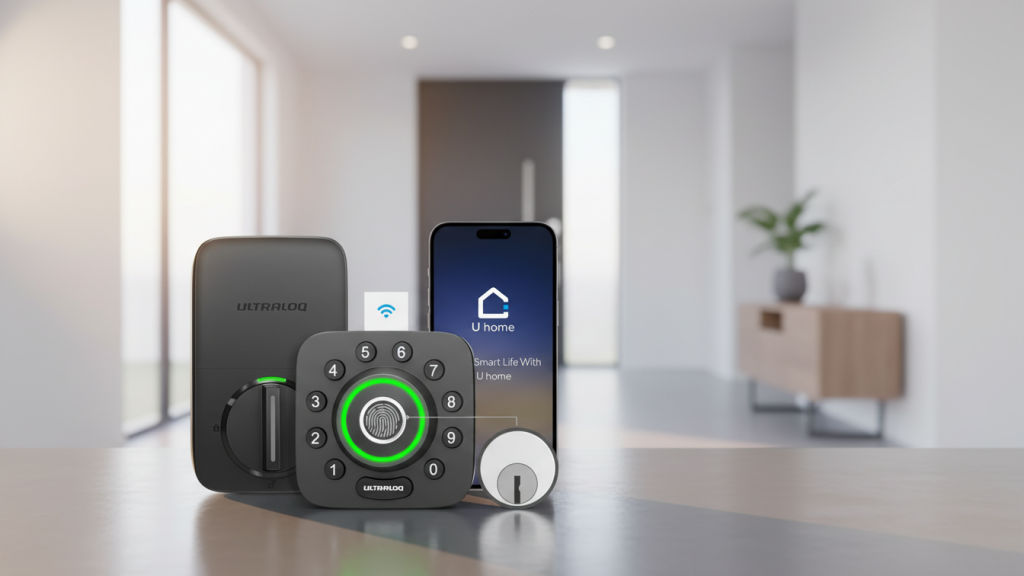
Why it’s a feature-heavy pick
This one packs multiple ways to unlock (fingerprint, keypad/app, etc.) and includes a door sensor, which is great if you want more “smart home” feedback—like knowing if the door is closed/left open.
Best for
- Families who want multiple unlock methods (fingerprint + keypad + app)
- People who want remote control without extra hubs
Reliability & battery notes
- Most reliable method: keypad/physical codes (works even if fingerprint fails)
- Battery life: built-in Wi-Fi locks can drain faster than Bluetooth-only models (more background connectivity)
Pros
- Lots of entry options (great for households/guests)
- Door sensor adds useful awareness
- Built-in Wi-Fi enables remote features
Cons
- Wi-Fi convenience can cost battery life
- Fingerprint reliability depends on clean, dry fingers
2) X1 Apple Home Key Lock, iOS ONLY Smart Keyless Entry HomeKit Door Lock with Fingerprint, Keypad Deadbolt Lock Works with HomeKi…
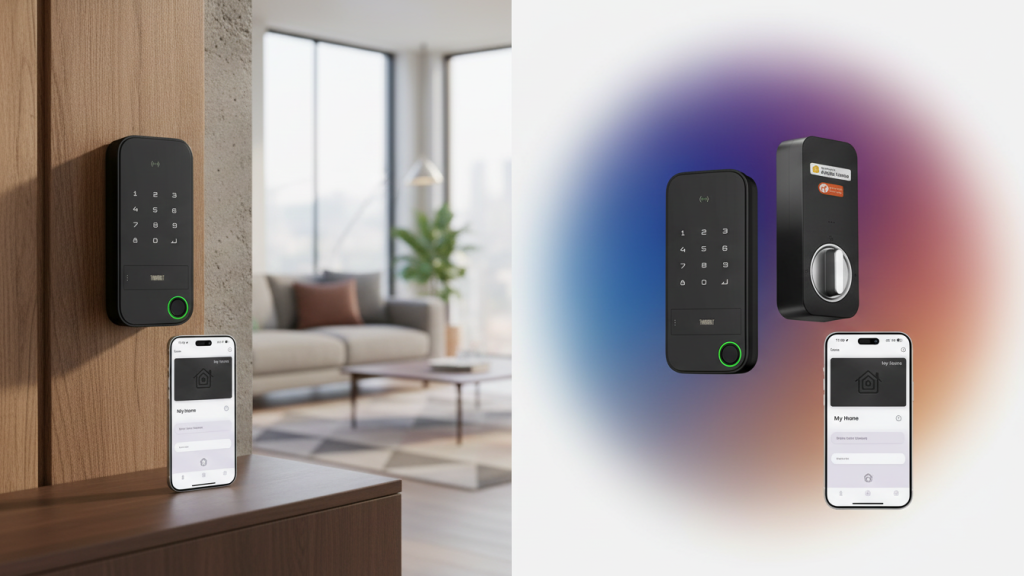
Why it’s the best overall for reliability (especially if you use iPhone)
If you’re already in the Apple ecosystem, Home Key/HomeKit-style locks are often the smoothest daily experience. You typically get strong automation and stable control—plus you still have the keypad as your “always works” backup.
Best for
- iPhone users (important: it’s iOS only)
- Anyone who cares most about consistent reliability and clean smart-home integration
Reliability & battery notes
- Keypad remains the most dependable unlock method
- App reliability is usually strong inside a single ecosystem (less “random disconnect” behavior)
- Battery life tends to be steadier when the lock isn’t constantly pushing Wi-Fi on its own (depends on model + setup)
Pros
- Excellent choice if you live in Apple/HomeKit
- Multiple access methods (keypad + fingerprint)
- Strong everyday “works when you need it” vibe
Cons
- iOS only (not ideal for mixed Android/iPhone households)
3) Fingerprint Smart Door Lock with Handle & Keypad – No More Lost Keys, Keyless Entry & Remote Access for Home, Kids, Airbnb & Rental…
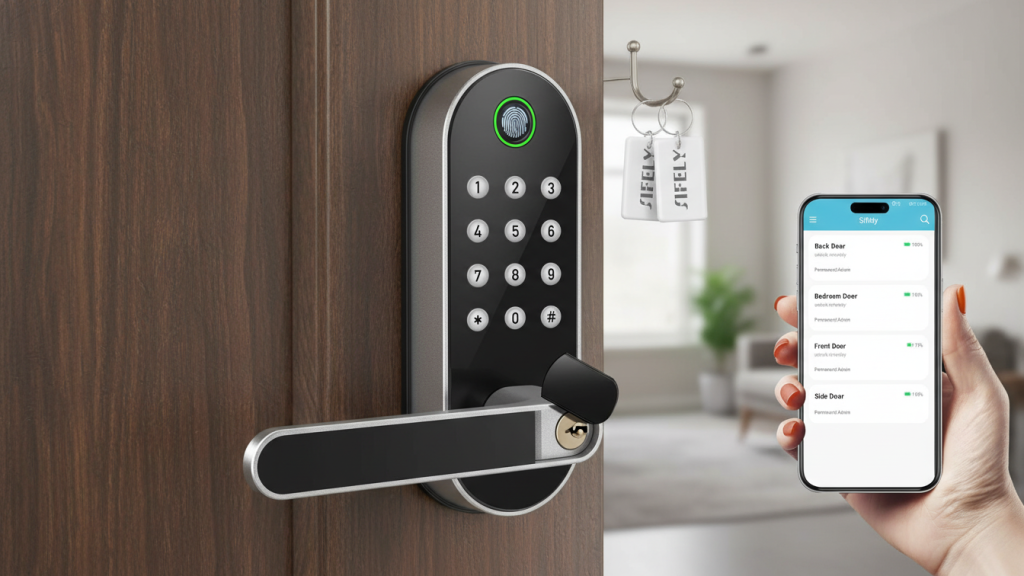
Why it’s a good value for rentals/guest access
Locks marketed for rentals usually focus on the basics that matter: keypad codes for guests, quick access for the owner, and simple daily operation. A keypad is especially great for kids and visitors.
Best for
- Airbnb/rentals or households that frequently need to share access
- People who want fingerprint speed but still rely on keypad backup
Reliability & battery notes
- Keypad is your most dependable method for guests
- Fingerprint is convenient, but treat it as a “fast option,” not your only option
- Remote access may depend on how the lock connects (Wi-Fi features can reduce battery life)
Pros
- Practical for shared access (kids/guests/renters)
- Handle + keypad format feels familiar
- Keypad codes are easy to manage
Cons
- Fingerprint quality varies by sensor
- “Remote access” can be inconsistent without strong Wi-Fi support
4) Built-in WiFi Fingerprint Smart Door Lock with Handle & Keypad – Remote Access & Auto-Lock, Keyless Entry for Home, Airbnb & Rental, 6-in-1…
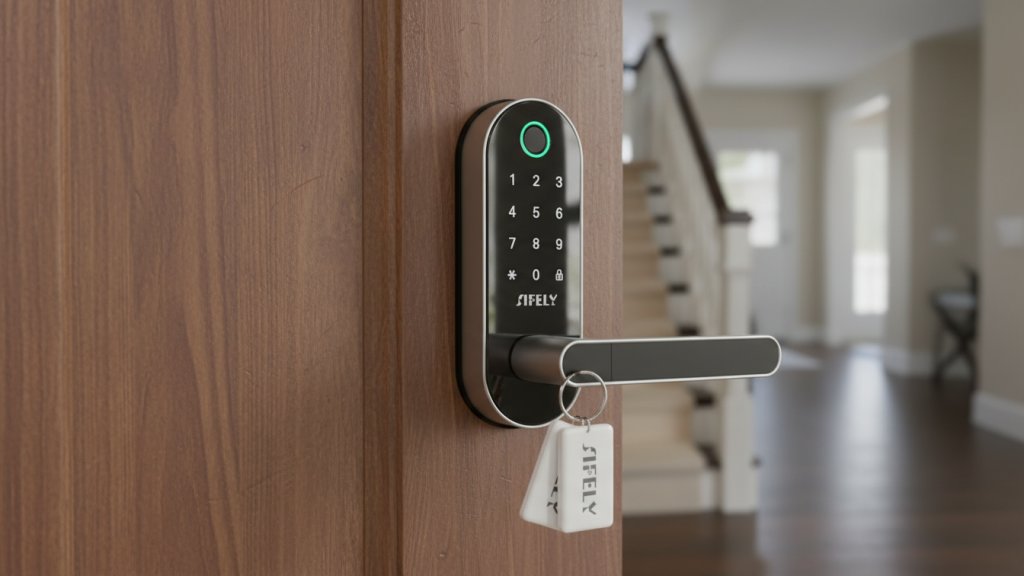
Why it’s a strong “remote control” option
Built-in Wi-Fi is the main draw: you can manage the lock and check access when you’re away, which is useful for deliveries, guests, or rentals.
Best for
- People who prioritize remote access and app controls
- Rentals where you want to manage codes from anywhere
Reliability & battery notes
- Wi-Fi convenience is great, but it can be the biggest battery drain
- For daily reliability, you’ll still lean on keypad + auto-lock features
Pros
- Remote access without extra hardware
- Auto-lock is useful for forgetful households
- Multiple unlock methods
Cons
- Built-in Wi-Fi can mean more frequent battery changes
- App performance depends on Wi-Fi strength at the door
Keypad vs Fingerprint vs App: What’s Most Reliable?
Most reliable day-to-day
✅ Keypad (works even if your phone dies or fingerprint is finicky)
Fastest when it works
✅ Fingerprint (best as a convenience feature, not your only entry method)
Best for remote management
✅ App/Wi-Fi (ideal for rentals and deliveries, but depends on connectivity)
Battery Life: What to Expect
- Wi-Fi smart locks often use more battery than Bluetooth-only models
- Frequent motion/notifications + weak Wi-Fi signal can drain batteries faster
- Auto-lock is helpful, but lots of triggers can also impact battery
Tip: If your door is far from your router, a Wi-Fi lock may act up or burn battery faster—consider improving Wi-Fi coverage near the entry.
Final Verdict: Best Smart Lock Overall
If you want the most reliable everyday experience from this list (especially in a smart-home setup) my top pick is:
🏆 X1 Apple Home Key Lock, iOS ONLY Smart Keyless Entry HomeKit Door Lock…
It’s the strongest “reliability first” choice if you’re on iPhone.